Indicator

Join
now!

TradingView indicator + Discord community: 49.90 โ‚ฌ/month or 499 โ‚ฌ/year. The course is not included.

TradingView
tradingview.com/chart
TradingView EURUSD 1h Indicators Alert TradoCademy Indicator
Live preview Live recording of the indicator in action
Stock ScreenerPine EditorStrategy TesterTrading Panel UTC+3

Exclusive access

Access to the exclusive TradoCademy indicator for TradingView

Clearer structure

Clearer reading of market structure and key zones

Disciplined decisions

Support for making disciplined and logically grounded decisions

Access and conditions

What you need in order to use the indicator

*An active TradingView account and internet connection are required. Access to the indicator is valid only with an active subscription. Periodic updates and functionality improvements may be made.

Recommendation before purchase

The course explains how to use the indicator. We recommend it as preparation; it is purchased separately.

Instructions

Instructions for connecting to the TradingView indicator

Step 1

Step 1

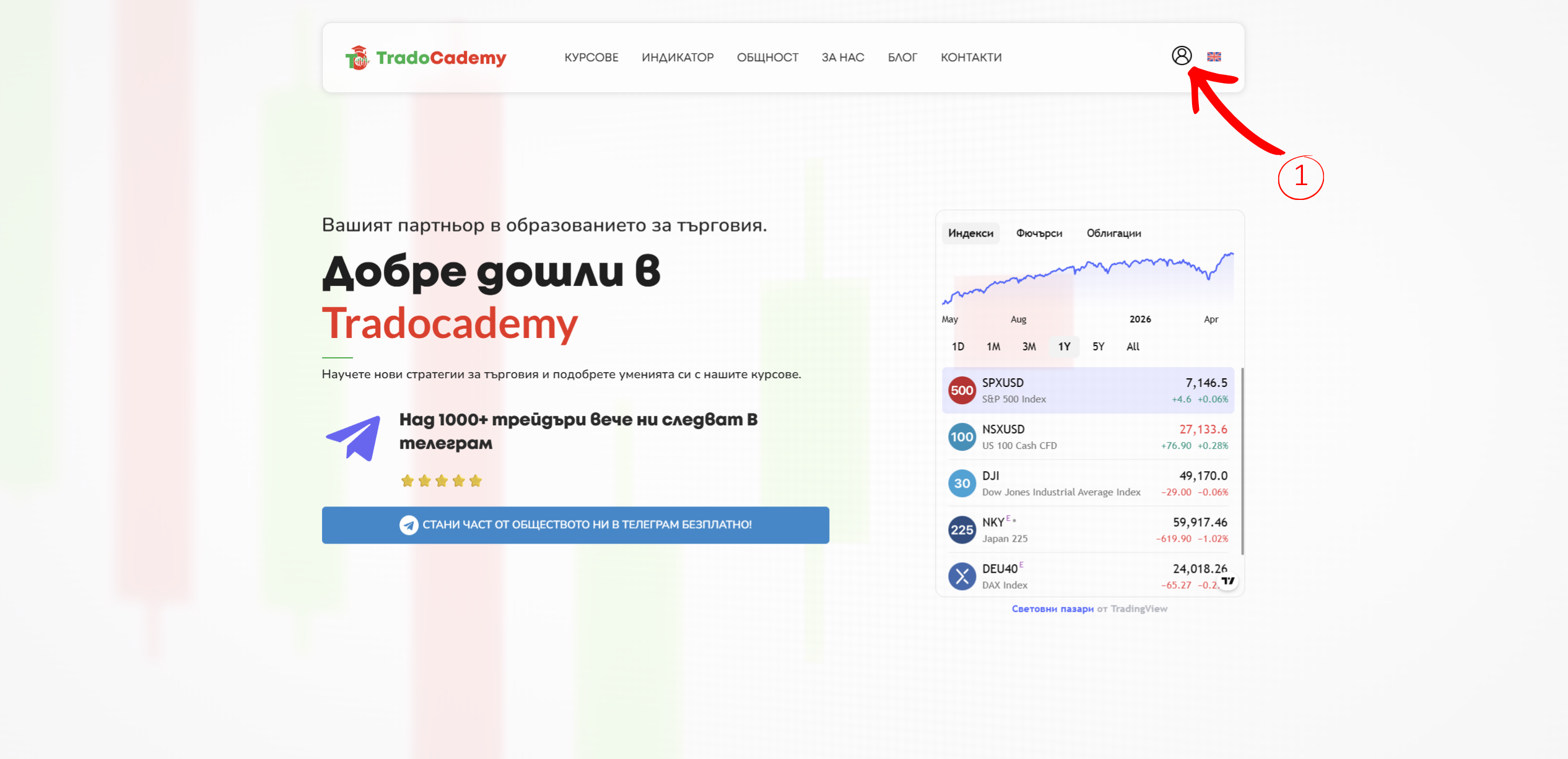
After you have purchased and activated a subscription for the TradingView Indicator, log in to the site and click the login icon in the top-right corner.

Step 2

Step 2

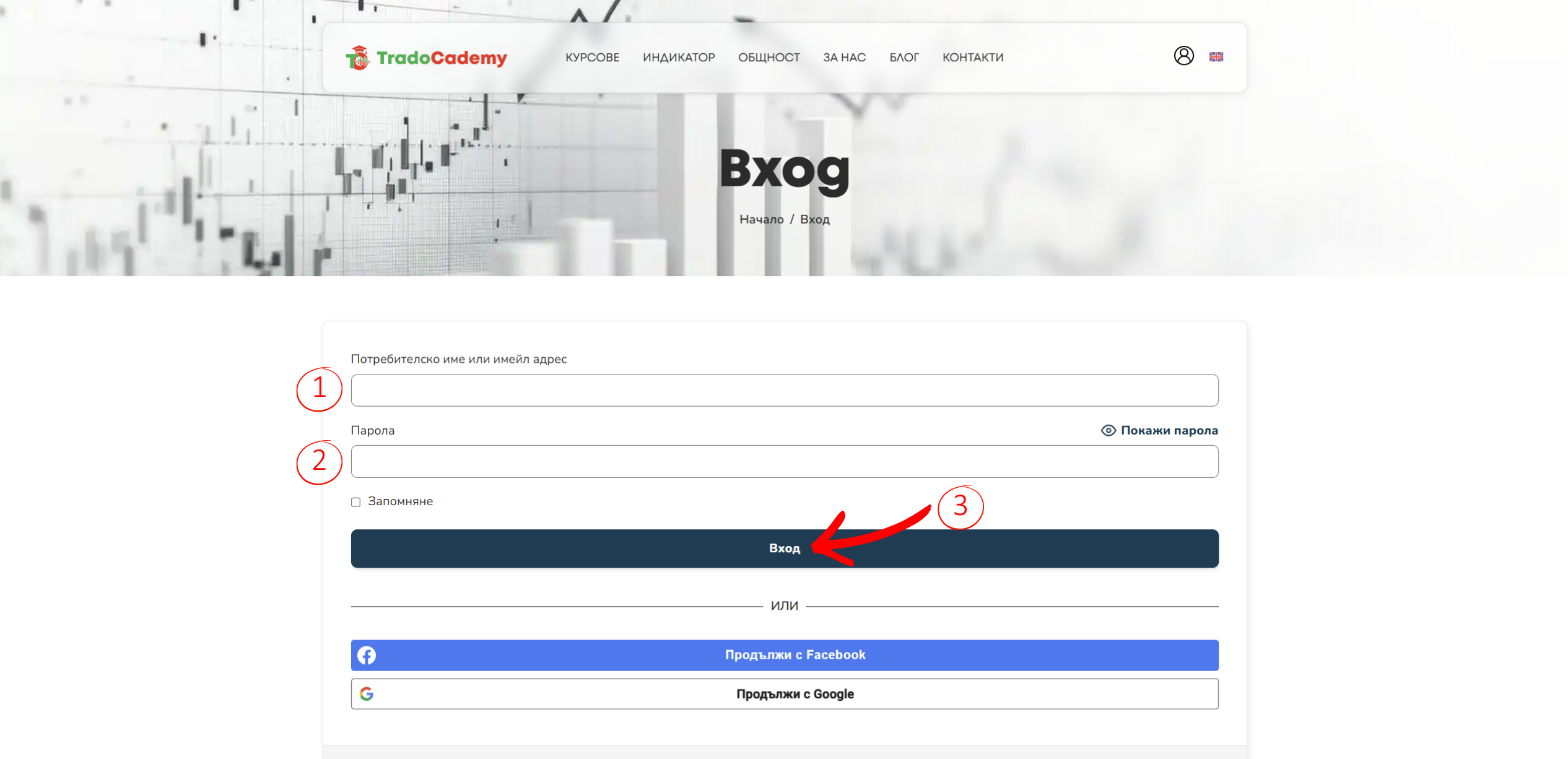
Enter your TradoCademy login details and click โ€œLog in.โ€

Step 3

Step 3

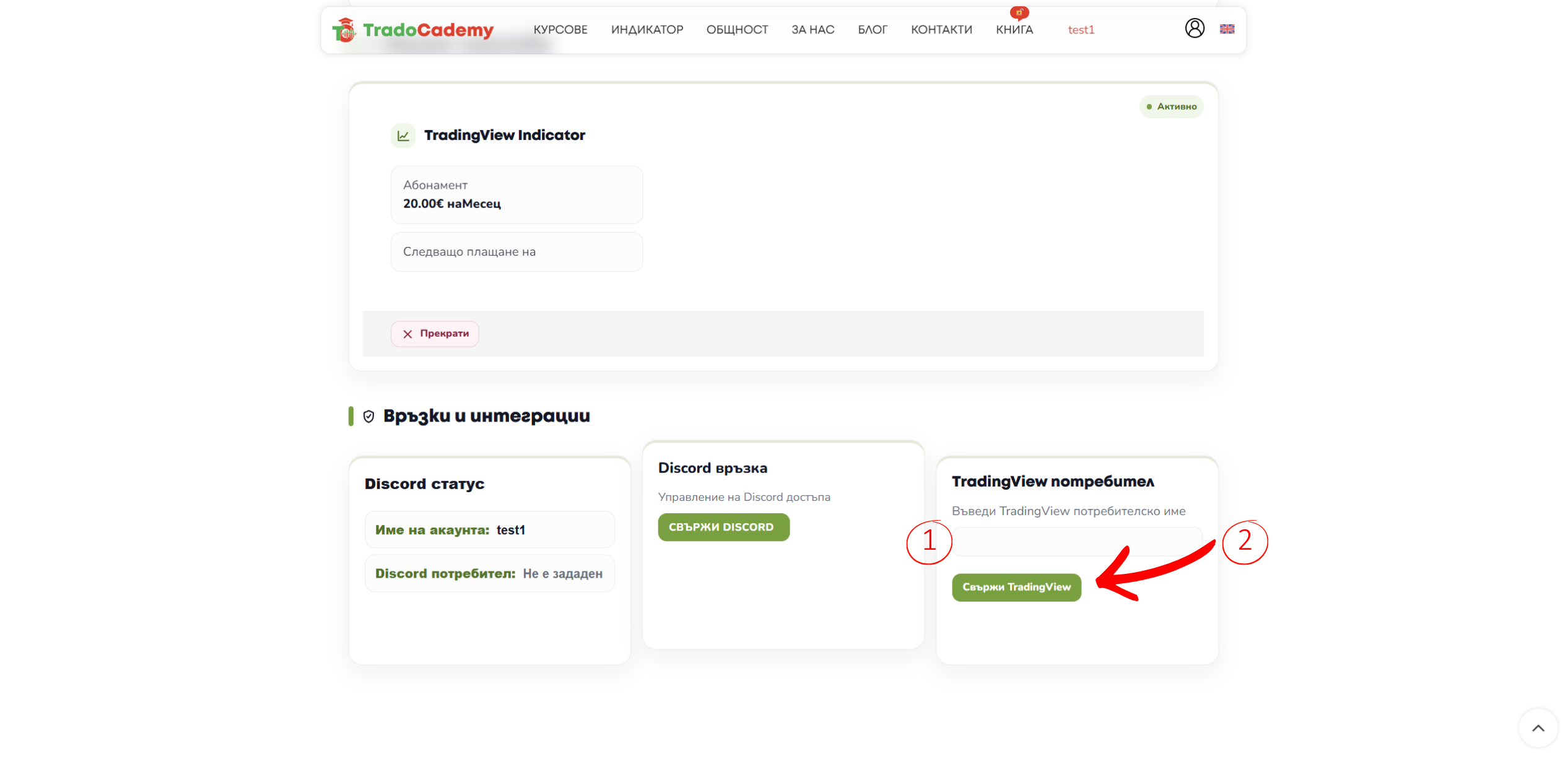
After logging in to your profile on tradocademy.com, and with an already purchased TradingView subscription, simply enter your TradingView username, which you can see on www.tradingview.com/.

Important: The username must be written exactly as it appears in TradingView, including uppercase and lowercase letters.

TradingView

Ready to activate the indicator?